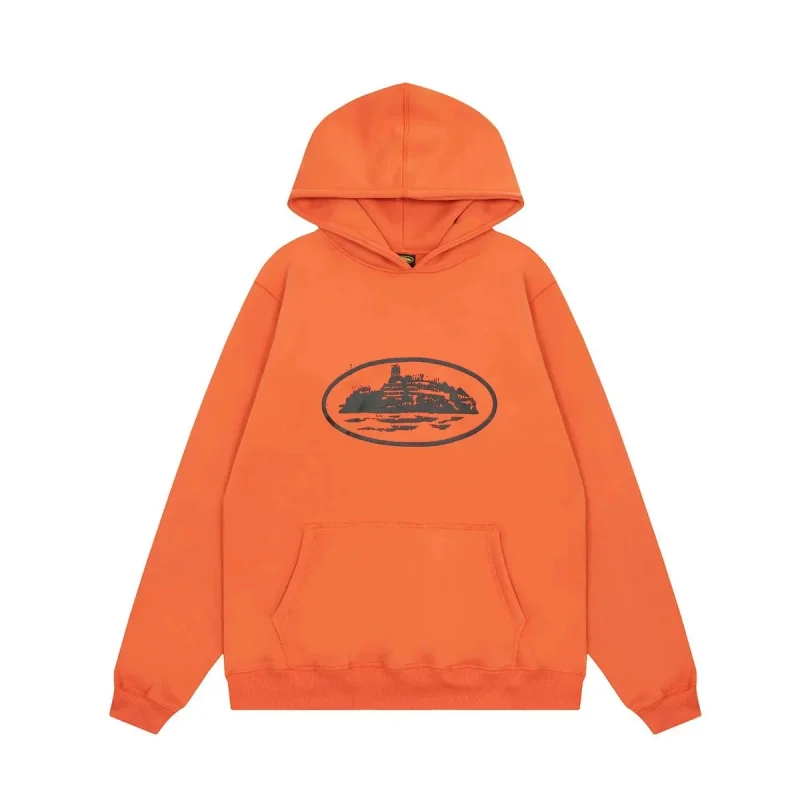
Essentials

200 FINDS · 8 CATEGORIES · ONE EASY SEARCH
Compare product photos, reference prices and available QC details.
Save your favorites and discover more in the full catalog.
Essentials
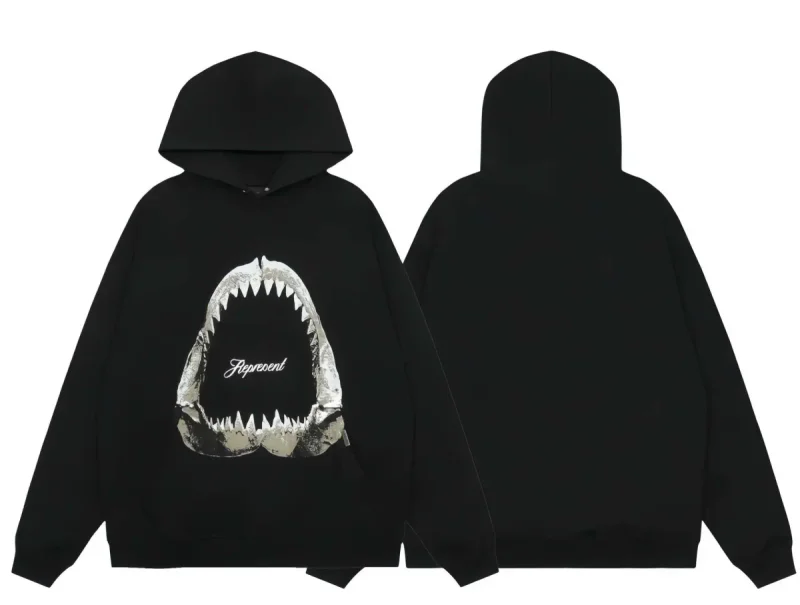
Represent
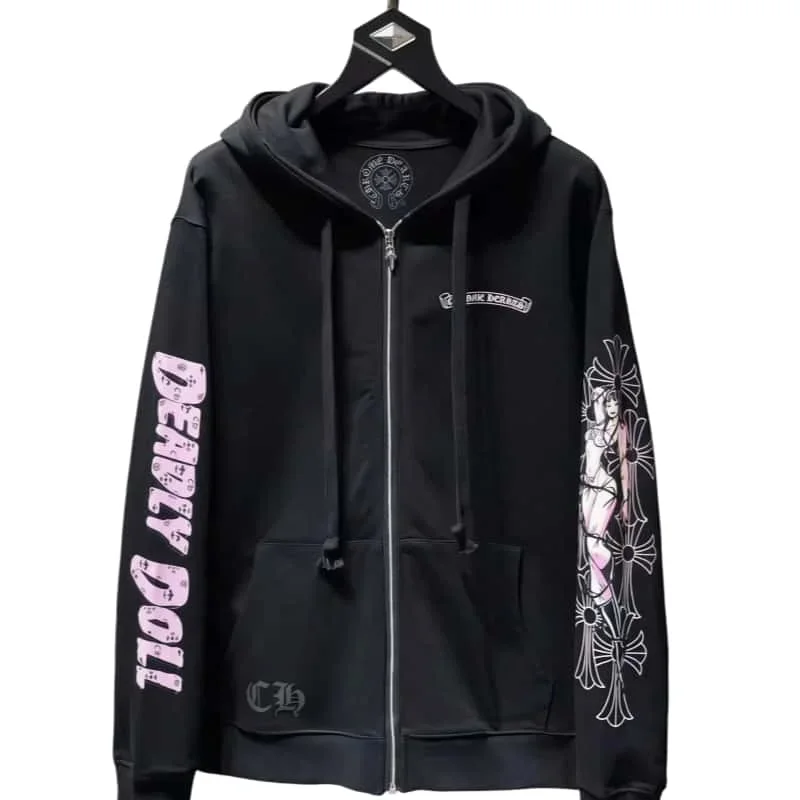
Chrome Hearts
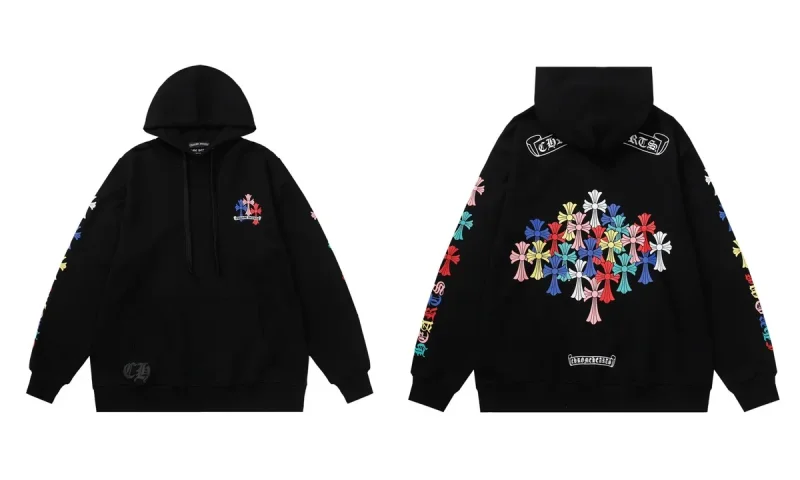
Chrome Hearts
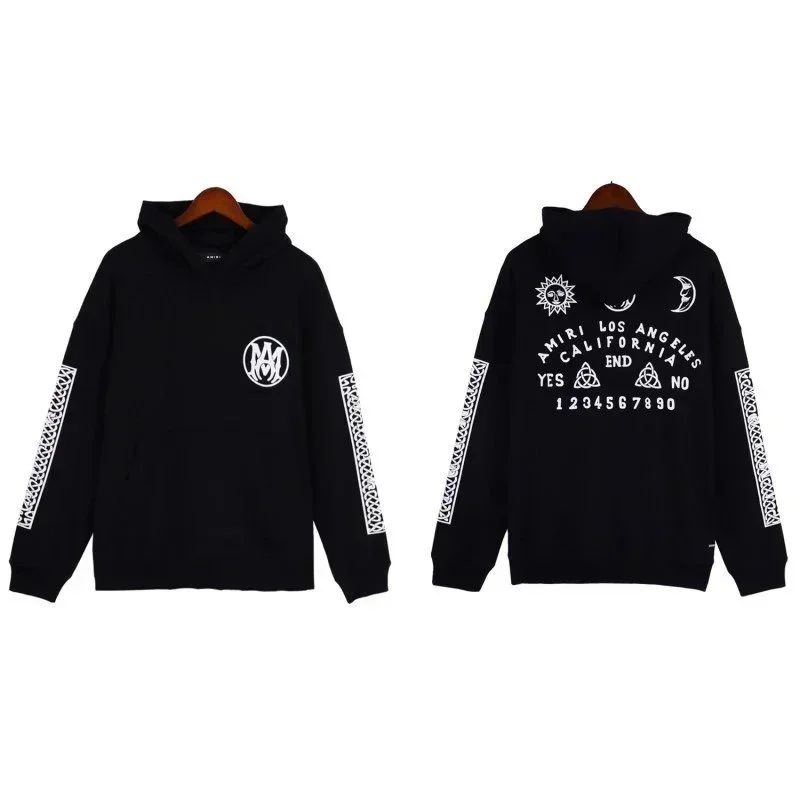
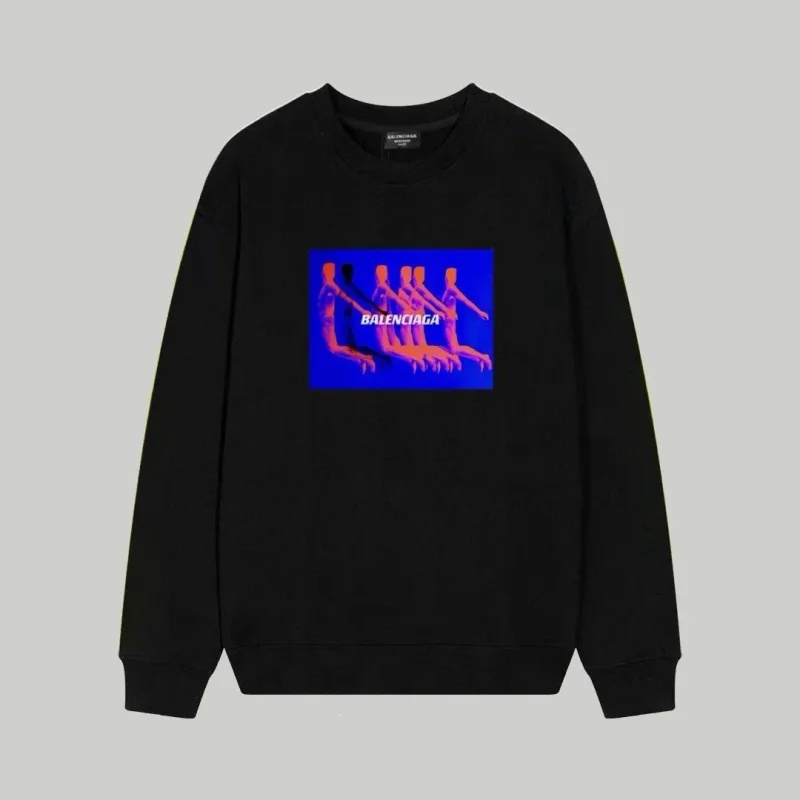
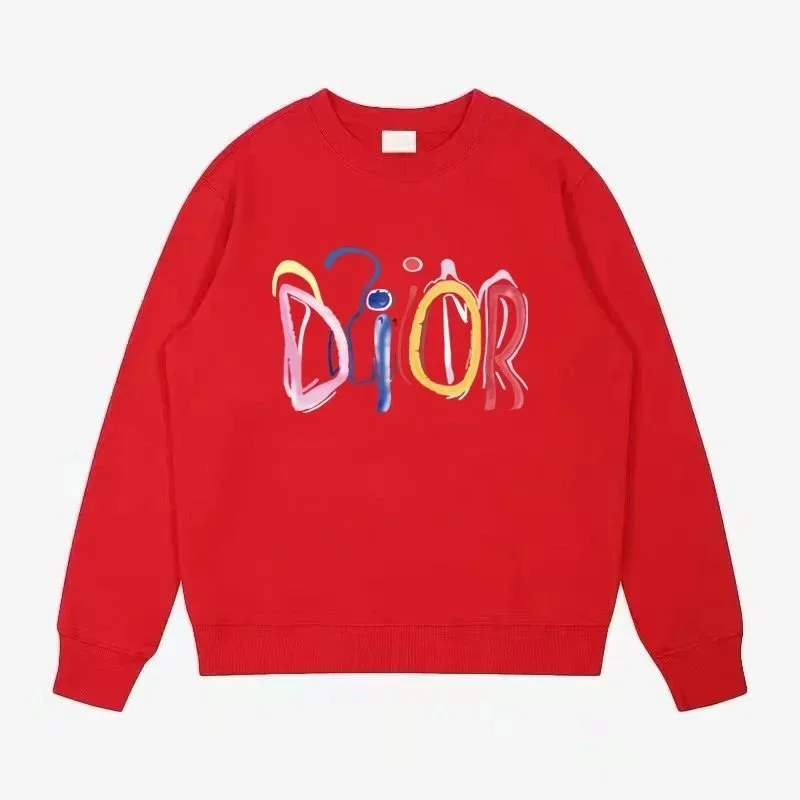
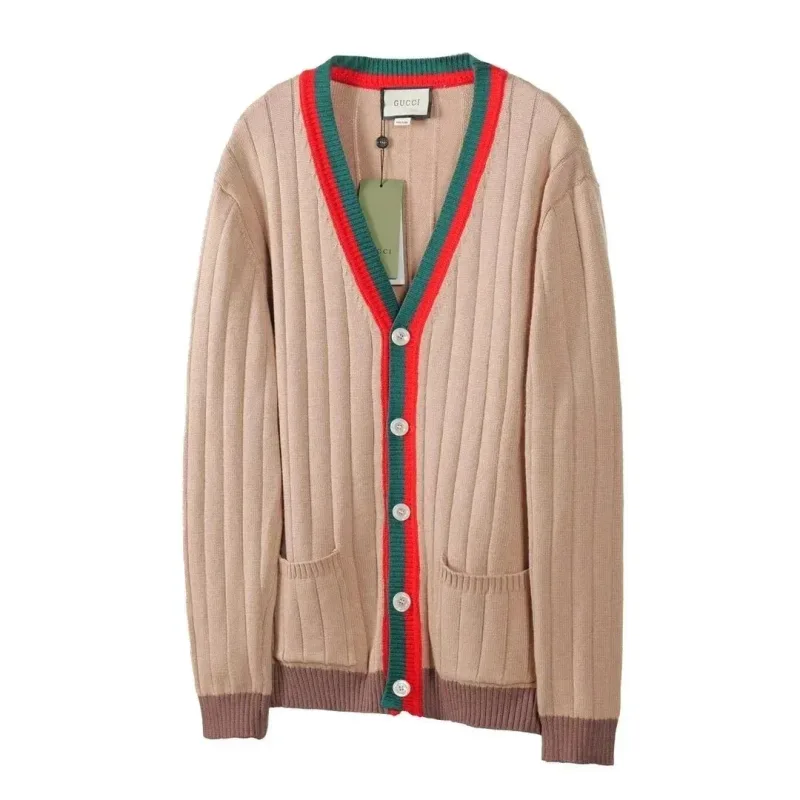
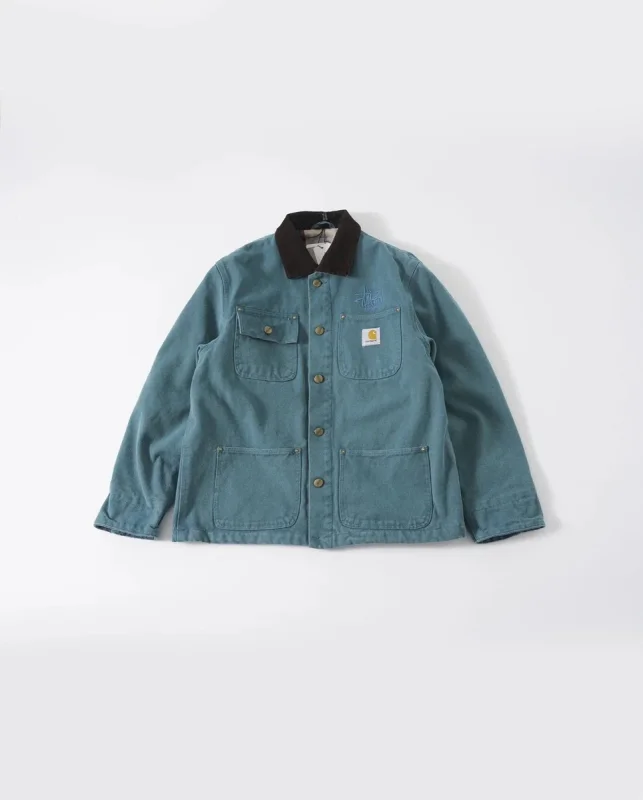
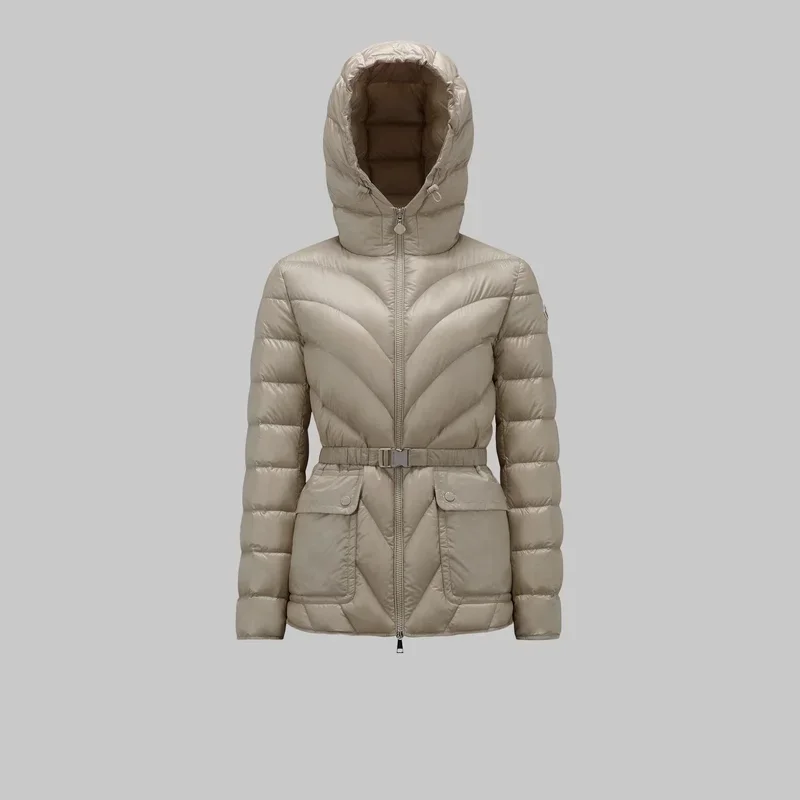
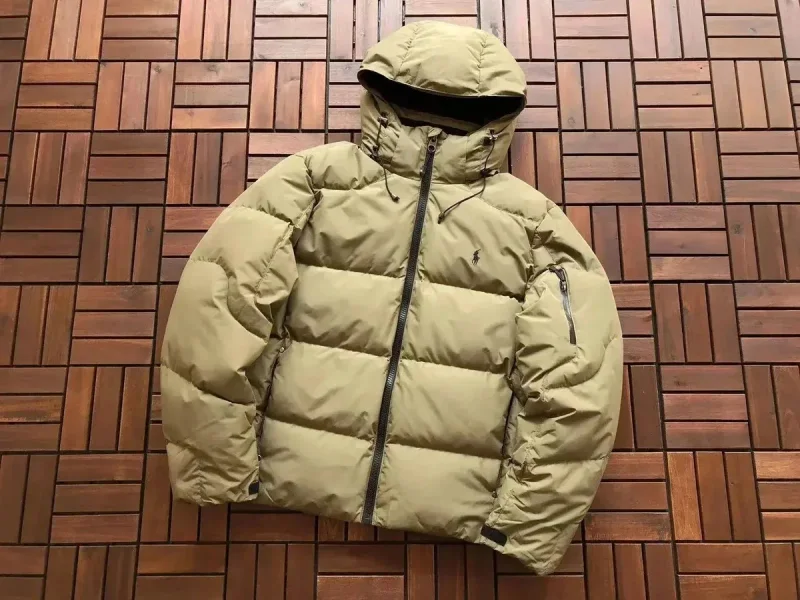
Polo Ralph Lauren
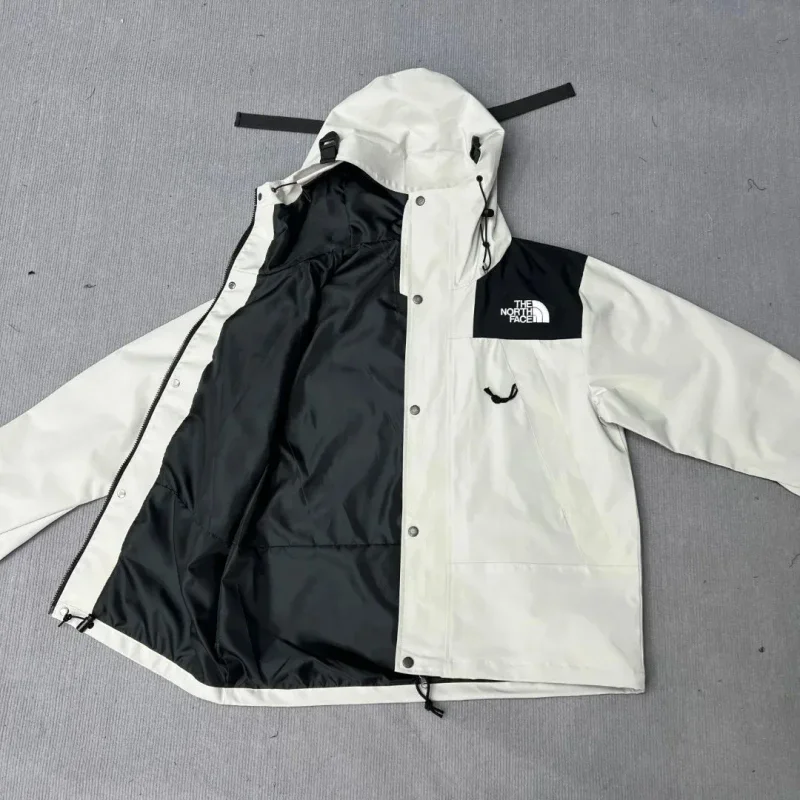
The North Face
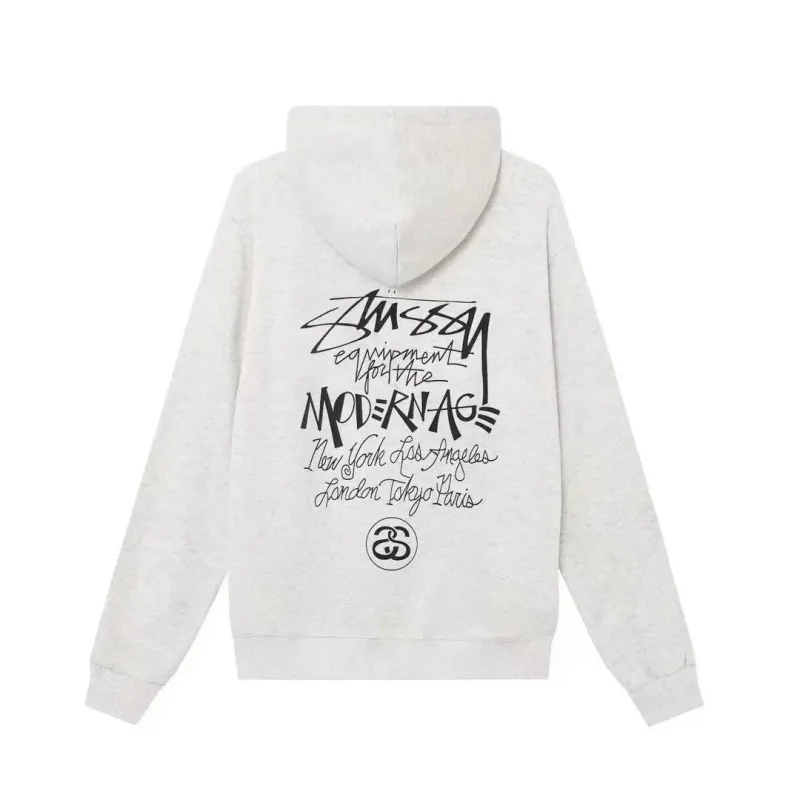
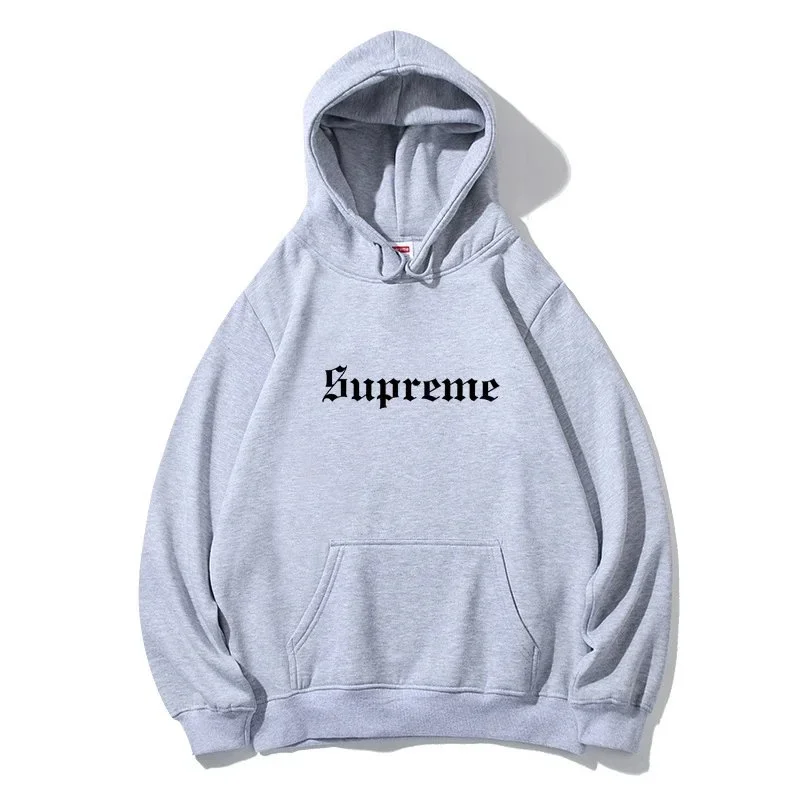
Supreme
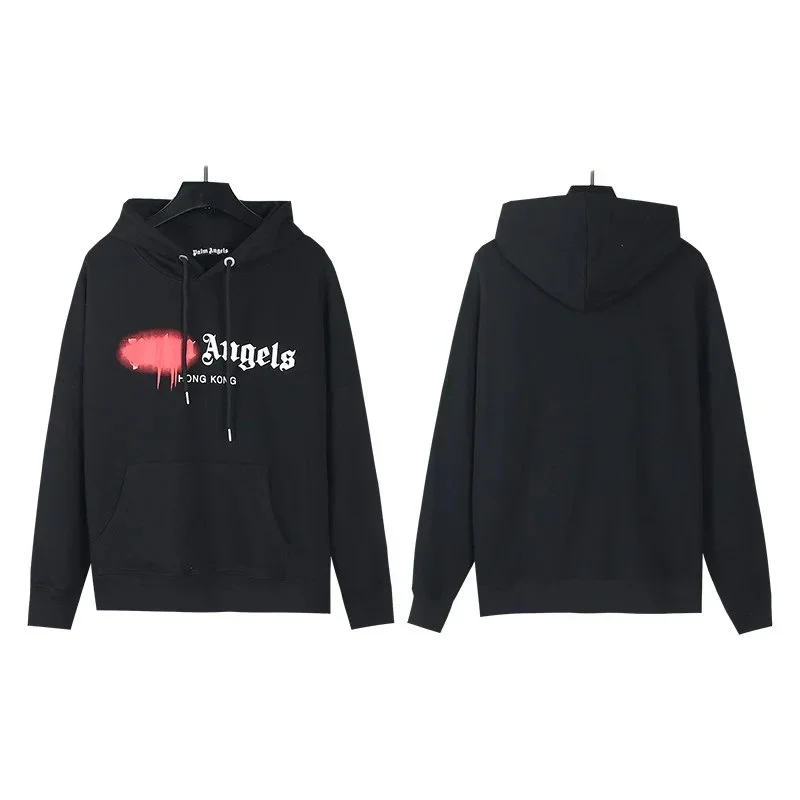
Palm Angels
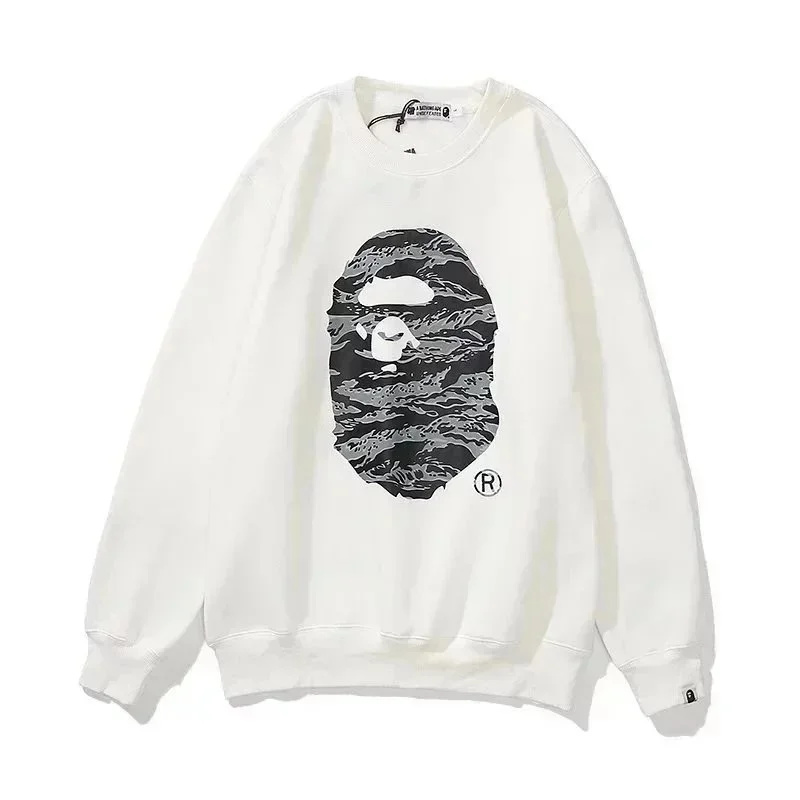
A Bathing Ape
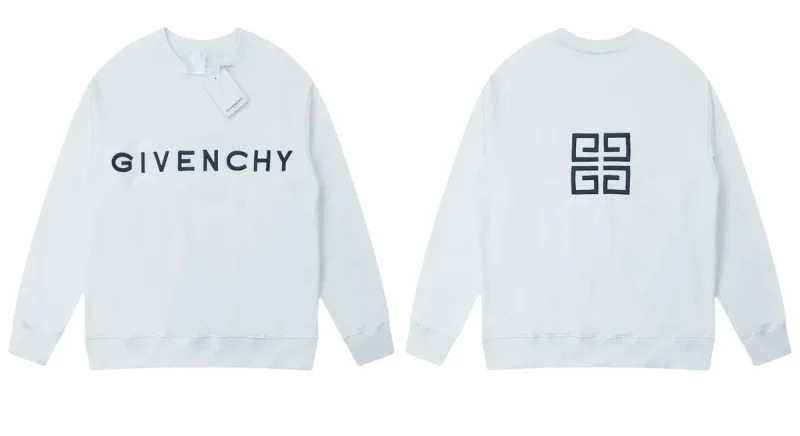
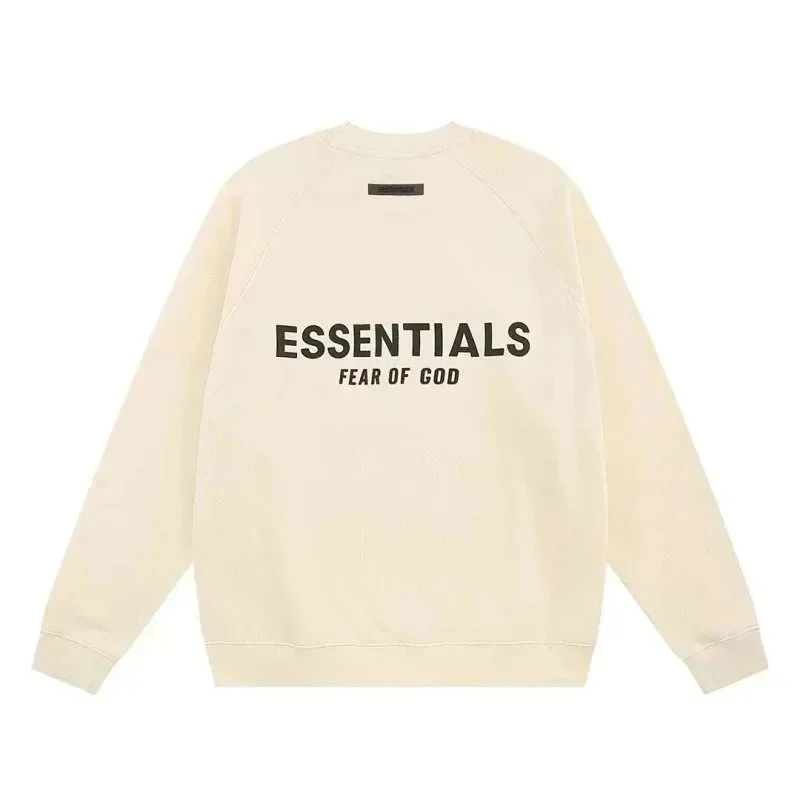
Fear of God
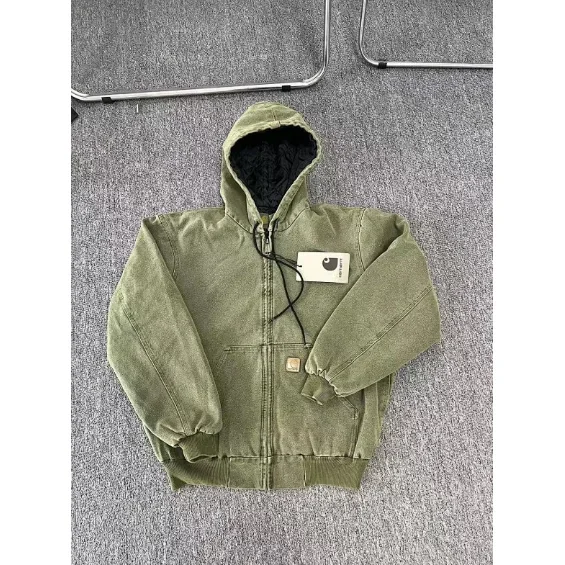
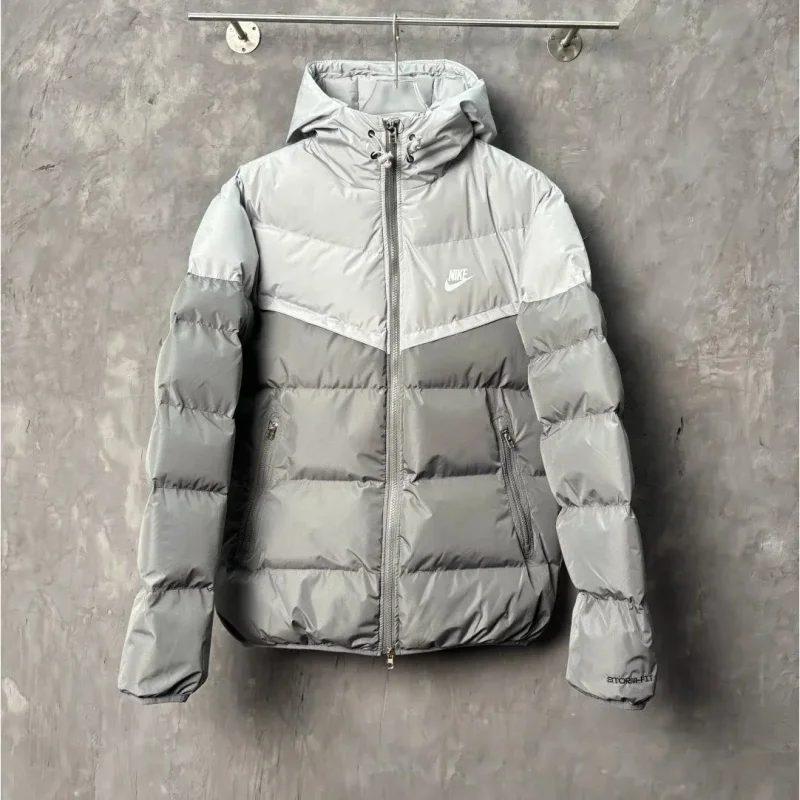
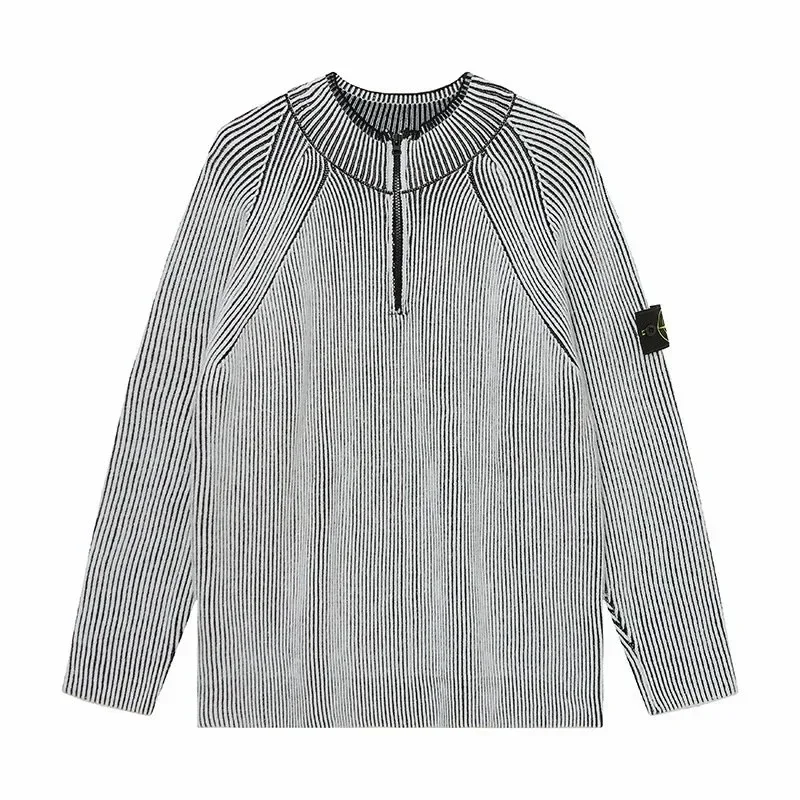
Stone Island
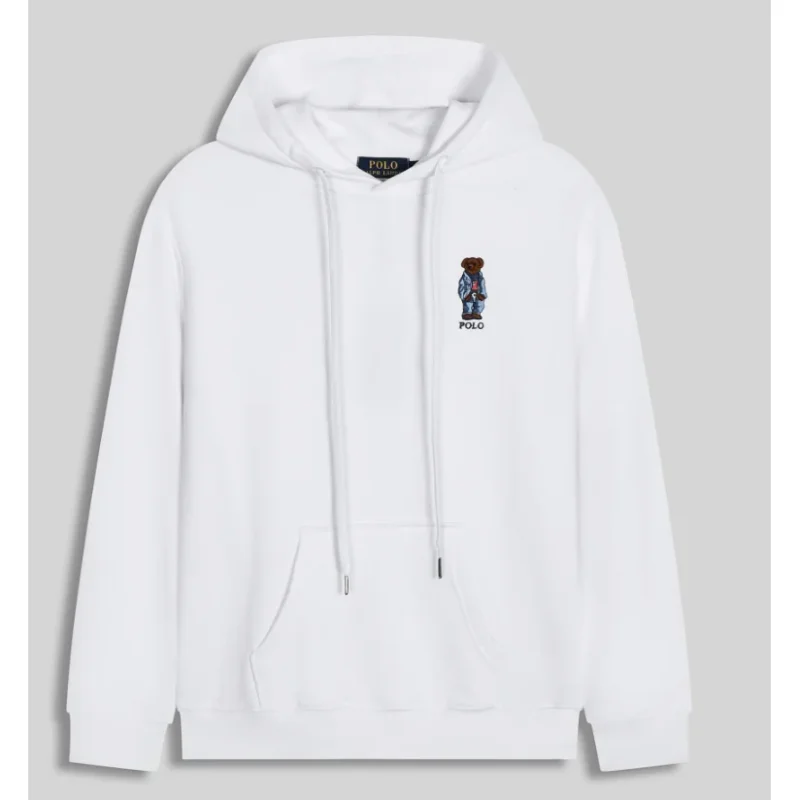
Polo Ralph Lauren
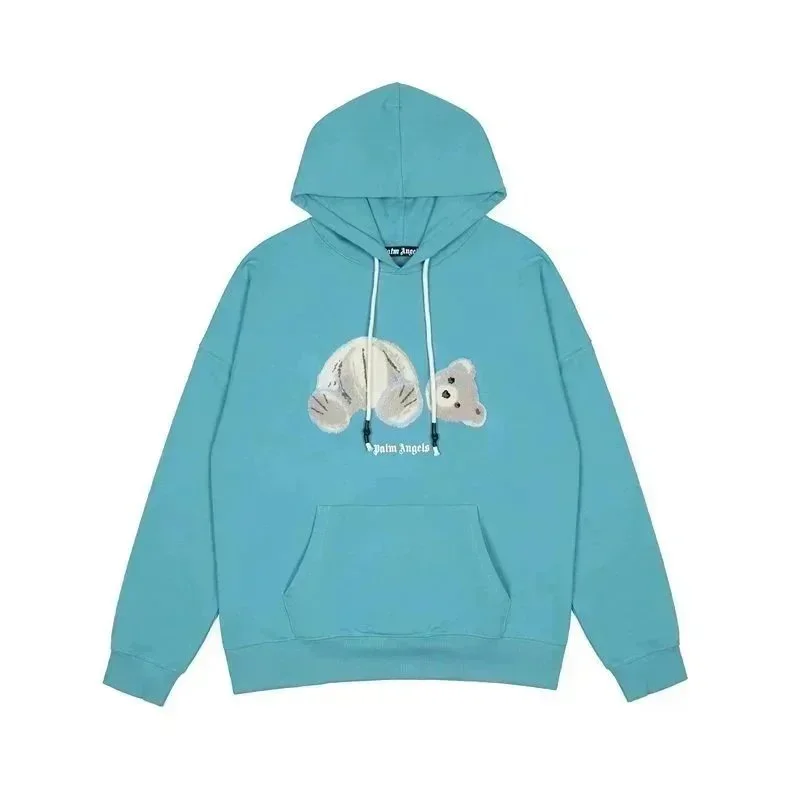
Palm Angels
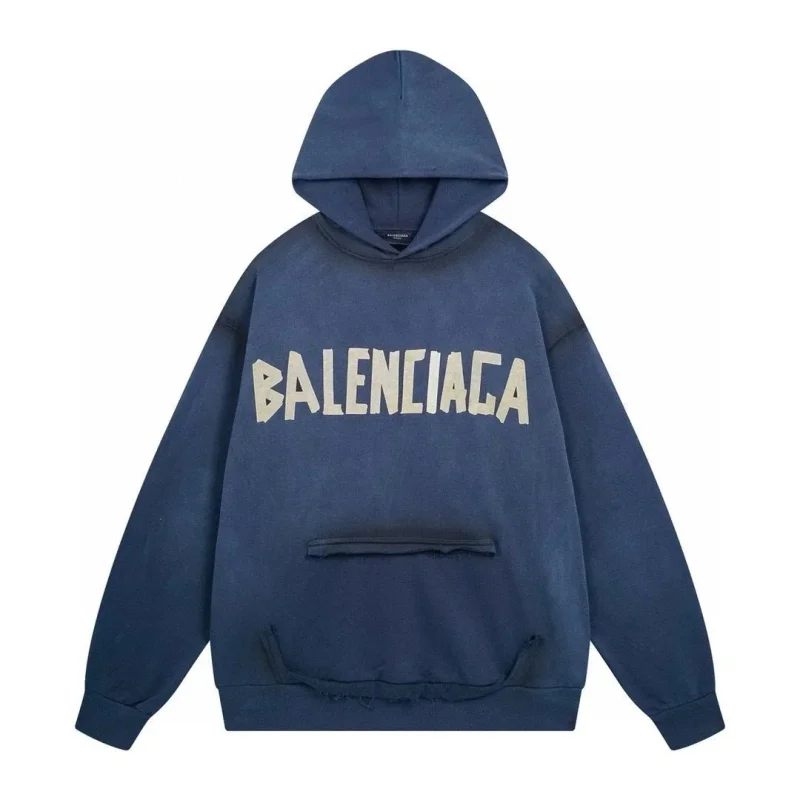
Approximate USD item prices · Shipping and other charges are separate · Brand names follow catalog descriptions.
GET TO KNOW THE SPREADSHEET
This is a product directory. Browse categories, compare reference prices, sizes and quality-check (QC) photos, and save items you like. Check current stock and prices in the full catalog before ordering.
Understanding QC photosStart with an idea, compare a few finds and check your chosen item in four simple steps.
Browse the eight categories and featured picks, or search for a product name, brand or style. Search opens results from the wider catalog in a new tab.
Open a product to review its reference price, recorded sizes and linked colors or styles. Where QC photos are available, open a group and zoom in on the details that matter to you.
Tap the heart on promising products while you compare your options. Saved marks stay in this browser when storage is available, making those finds easier to recognize on your next visit.
Open the product in the full catalog. Confirm the style, size, current price and stock, then check shipping and service charges on your buying platform before paying.
A collection of product links becomes more useful when you can see what each link offers. Here, the same layout puts photos, item-price references, sizes and available QC groups together, so you can compare the information before opening a full record.
If you are new to buying through Wheebuy, start with a category and use the guides to understand the next steps. If you already know what you want, use search to reach the wider catalog, then review the exact product and option.
Open the Shoes category, compare a few item prices and save the pairs you like. Check the recorded size options and any QC photos, then confirm measurements and availability on the full record before deciding.
Explore the shoe findsEight product categories and a focused selection help you start with the kind of item you want. Featured picks give you another place to begin when you are still exploring.
Approximate USD prices give you a consistent reference for comparing finds. Product pages also show the CNY reference, so you can build an item budget before adding shipping and services.
Available QC albums show visible details from earlier orders. Grouped photos, thumbnails and zoom let you inspect a set closely and compare the pictured option with the one you want.
Buying guides explain sizing, warehouse checks, shipping costs and returns. Use them alongside the product details to identify missing information and prepare questions before ordering.